

How Can Security Teams Detect Multi-Channel AI Phishing Across Voice and Video?
A finance employee receives an urgent phone call from someone who sounds like a senior executive. The caller requests a confidential payment and warns that the transfer must be completed immediately.
A few minutes later, the same person joins a short video meeting to confirm the instructions. The voice sounds familiar, the face appears convincing, and the business request seems urgent.
Each interaction appears to validate the one before it.
This is what makes multi-channel AI phishing attacks across voice and video especially dangerous. Attackers may combine cloned voices, manipulated video calls, account spoofing, publicly available information, and social-engineering pressure to create a convincing chain of false authority.
Organizations therefore need more than visual inspection or caller recognition. Security teams must connect voice-analysis findings, video-authenticity indicators, meeting activity, identity signals, business context, and transaction controls within one coordinated investigation.
How Can Security Teams Detect Multi-Channel AI Phishing?
Security teams can identify multi-channel AI phishing by bringing together evidence from suspicious calls, video anomalies, account activity, meeting records, workflow changes, and the requested business action. Deepfake detection can support audio and video analysis, but it should operate alongside trusted-channel verification, identity monitoring, transaction controls, and human review.
What Are Multi-Channel AI Phishing Attacks Across Voice and Video?
Multi-channel AI phishing uses more than one communication format to make a fraudulent request appear credible.
An attacker may begin with a voice call that appears to come from an executive, vendor, customer, regulator, or internal department. The call may then be reinforced through a video meeting, recorded approval message, synthetic voice note, or manipulated video statement.
Attackers may use AI-generated or manipulated media to create:
- Cloned executive voices
- Synthetic voice calls
- Manipulated video meetings
- Face-swapped recordings
- Altered approval recordings
- AI-generated video statements
- Synthetic voice notes
- Audio-video impersonation scenarios
- Recorded instructions appearing to come from senior leaders
Organizations should analyse voice and video separately because each media type may produce different technical indicators.
Dedicated audio deepfake detection can support the examination of suspicious voice content, while video deepfake detection can help analysts review facial, frame-level, motion, and audio-video consistency indicators.
The voice interaction introduces or reinforces the request. The video meeting strengthens the claimed identity. The requested business action creates the potential financial, operational, or information loss.
How Do Attackers Combine Cloned Voices With Manipulated Video?
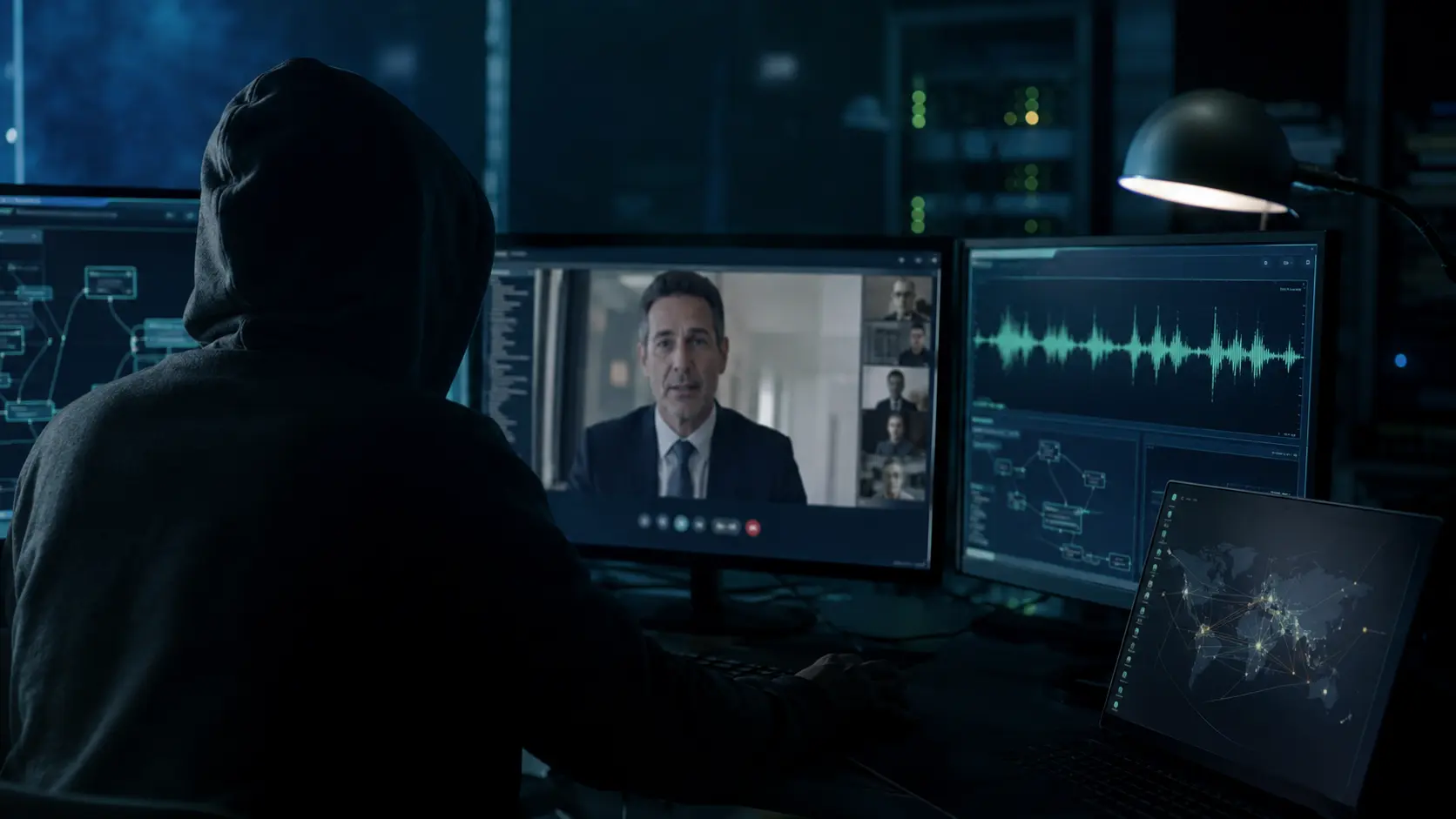
A coordinated attack may begin long before the first call reaches an employee.
Attackers can collect information from:
- Company websites
- Recorded interviews
- Webinars
- Public speeches
- Social media profiles
- Corporate videos
- Press releases
- Conference recordings
- Employee profiles
- Public business announcements
This information may help an attacker understand:
- Who has payment authority
- Which employees manage finance or payroll
- How executives speak
- What phrases or terminology they use
- Which vendors work with the organization
- When senior leaders are travelling
- Which projects or transactions are active
- How internal approval processes operate
The attacker can then move through a multi-stage process.
| Attack stage | Example | Primary risk |
|---|---|---|
| Reconnaissance | Public recordings and organizational information are collected | Personalized targeting |
| Initial contact | A cloned voice call creates urgency or introduces a request | Employee engagement |
| Identity reinforcement | A manipulated video meeting appears to confirm the caller | False trust |
| Requested action | A payment, credential change, or data transfer is demanded | Financial or information loss |
| Pressure | The attacker demands secrecy or immediate action | Reduced verification |
| Concealment | Communication is moved to a private or unfamiliar channel | Delayed detection |
The Contact–Identity–Action Attack Chain
Organizations can understand these incidents through a three-part model:
- 1. Contact: The voice or video interaction introduces the request.
- 2. Identity: Synthetic media reinforces who supposedly made the request.
- 3. Action: Pressure is applied to complete a payment, disclose information, or change access.
Security teams must examine all three parts.
Reviewing the audio alone could overlook warning signs visible in the video interaction. Reviewing only the video may overlook a spoofed caller identity, abnormal meeting activity, or unusual payment request.
How Can Security Teams Correlate Warning Signs Across Voice and Video?
No single audible or visual anomaly proves that an attack is occurring.
Poor network quality, compression, weak microphones, lighting conditions, and legitimate video-processing tools may create unusual characteristics in authentic communications.
Security teams should therefore examine how voice, video, identity, and business indicators relate to one another.
| Voice signal | Video signal | Business signal | Combined interpretation |
|---|---|---|---|
| Unnatural pauses or speech rhythm | Limited facial movement | Urgent payment request | Possible coordinated impersonation |
| Familiar voice from an unknown number | Caller avoids moving naturally on camera | Request bypasses approval | Escalate for independent verification |
| Sudden audio-quality changes | Lip-sync inconsistencies | Vendor bank details changed | Review audio, video, and transaction together |
| Repeated phrases | Distortion around facial boundaries | Secrecy requested | Possible synthetic reinforcement |
| Voice appears natural | Video caller refuses contextual questions | Sensitive data requested | Identity may still require verification |
| Caller delays unexpected answers | Visual quality changes during key responses | Action cannot be reversed | High-risk social-engineering attempt |
| Background sound is inconsistent | Meeting invitation is unfamiliar | Normal approver is unavailable | Review session, identity, and media evidence |
Voice-call warning signs
Suspicious voice interactions may include:
- Unnatural pauses or speech rhythm
- Repeated words or phrases
- Sudden changes in audio quality
- Inconsistent background sound
- Limited emotional variation
- Delayed responses to unexpected questions
- Refusal to discuss private contextual information
- Pressure to act without independent confirmation
- Calls from unfamiliar or spoofed numbers
- Abrupt changes in tone or speaking style
A familiar-sounding voice should not be treated as proof of identity.
Video-meeting warning signs
A manipulated video call may show:
- Facial-edge instability
- Inconsistent lighting or shadows
- Unnatural facial movement
- Lip-sync inconsistencies
- Sudden changes in visual quality
- Limited head or body movement
- Distortion around glasses, hair, or facial boundaries
- Repeated explanations involving a poor connection
- Refusal to turn or move naturally
- Refusal to complete an independent verification step
Visible signs are not always present, particularly when media quality is poor or the interaction is short.
Business-process warning signs
The requested action should receive additional scrutiny when:
- It violates established procedure.
- The supposed executive avoids a trusted callback.
- The payment destination has changed.
- An employee is asked to keep the request secret.
- Voice and video channels are used in quick succession.
- The requested action cannot be reversed easily.
- The requester discourages consultation with colleagues.
- The communication occurs outside normal working patterns.
- The request bypasses a second authorized approver.
The strongest signal may come from the business request rather than the media itself.
Why Are Voice-and-Video Attacks Harder to Detect?
Combined voice-and-video attacks are convincing because each interaction appears to support the other.
The voice call creates familiarity. The video meeting provides apparent visual confirmation. Public information makes the conversation sound operationally realistic, while urgency reduces the employee’s time to verify the request.
Traditional systems may examine these events separately:
- The phone system records the call.
- The identity platform reviews account activity.
- The video platform records the meeting.
- The finance system processes the payment.
- The fraud team investigates the transaction.
- The security team reviews technical alerts.
When these signals remain in separate systems, no single team sees the complete attack chain.
Organizations need a workflow that combines voice, video, identity, behavioural, and transaction evidence before a high-risk request is approved or dismissed.
How Can Organizations Detect the Complete Attack?
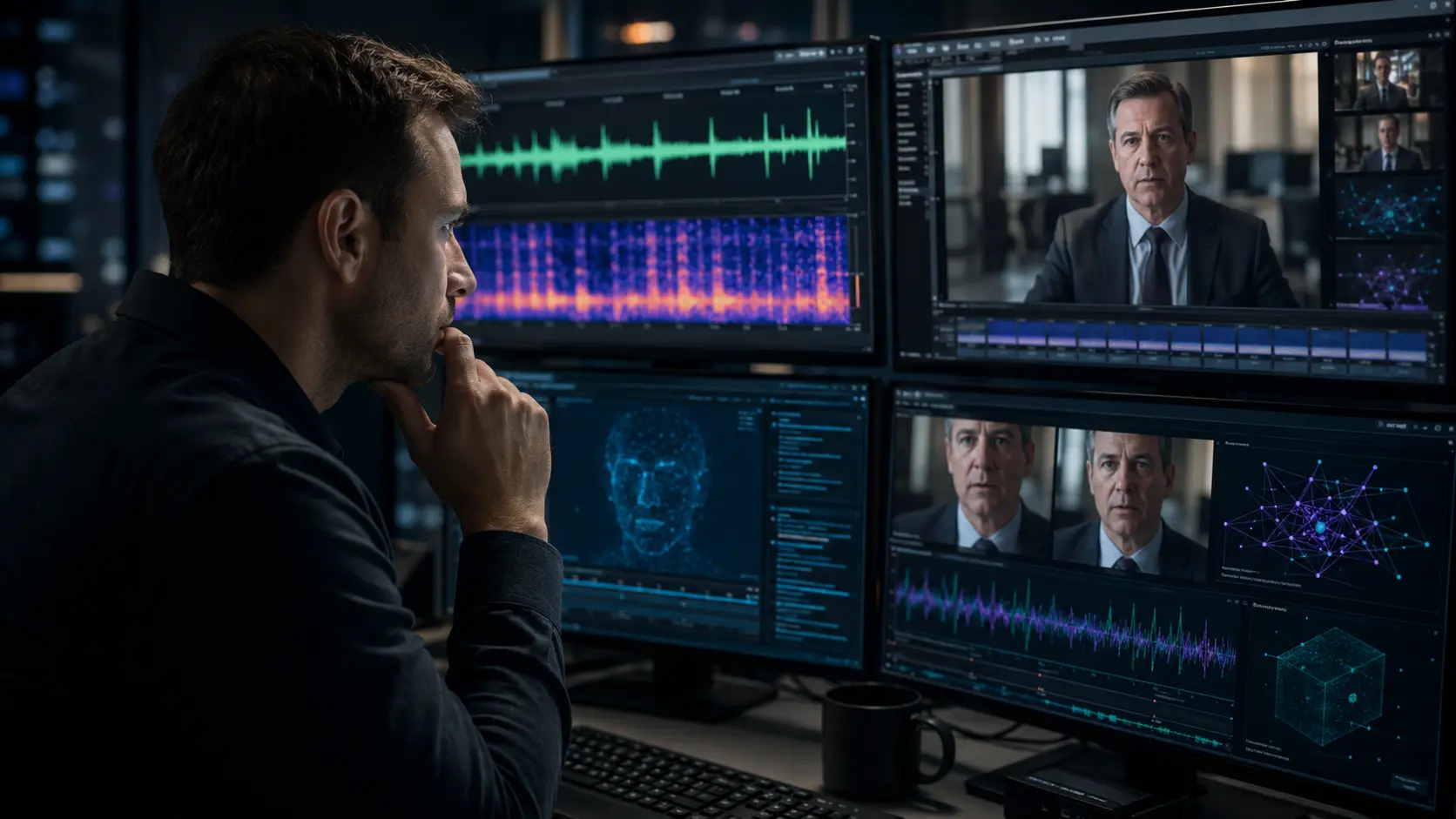
Detection should use several complementary layers and connect their findings within one incident record.
Layer 1: Review the communication context
Security teams should examine:
- Who initiated the call
- Whether the number was previously known
- How the meeting invitation was delivered
- Whether the communication occurred at an unusual time
- Whether the caller changed channels unexpectedly
- Whether the requester demanded secrecy
- Whether the interaction matched established procedure
- Whether similar incidents were previously reported
The communication should not be evaluated only on whether the voice or face appears realistic.
Layer 2: Review account and meeting signals
Security teams should examine:
- New device activity
- Unusual login locations
- Impossible travel patterns
- Unexpected account-recovery changes
- Unfamiliar meeting invitations
- Newly created meeting accounts
- Changes to calendar or access permissions
- Access attempts outside normal working hours
- Abnormal account behaviour
- Unusual meeting participants
Multifactor authentication helps protect account access, but it does not determine whether a voice or video presented during a communication is authentic.
Layer 3: Analyse suspicious voice content
Audio analysis may examine:
- Voice-cloning indicators
- Acoustic inconsistencies
- Unnatural speech transitions
- Repeated audio patterns
- Background continuity
- Timing and rhythm
- Spectral irregularities
- Available recording and file information
Poor call quality may resemble synthetic audio. Analysts should consider compression, network interruption, microphones, background noise, and recording conditions before reaching a conclusion.
Layer 4: Analyse suspicious video content
Video analysis may examine:
- Facial manipulation
- Frame-level anomalies
- Lip synchronization
- Temporal inconsistencies
- Motion irregularities
- Lighting and shadow consistency
- Facial-edge instability
- Audio-video mismatches
- Available file and metadata information
Different media formats require different examination methods. The Deepfake Detection Guide 2026 explains how technical detection approaches can be applied across video, audio, and other media content.
A detection score should not be used as the only basis for a security decision. Analysts should review supporting indicators, media quality, business context, and stated limitations.
Layer 5: Correlate voice and video findings
Voice and video results should not be reviewed in isolation.
Security teams should determine:
- Whether the same claimed identity appears in both channels
- Whether the voice and lip movements remain synchronized
- Whether background sound matches the visible environment
- Whether both communications occurred within a related timeframe
- Whether the caller answered unexpected contextual questions
- Whether technical results support or conflict with one another
- Whether the communication matches known organizational behaviour
Conflicting findings should be documented rather than forced into a definitive classification.
Layer 6: Verify and control the requested action
Sensitive requests should be confirmed using contact information and processes already known to the organization.
Verification may include:
- Calling a previously known telephone number
- Confirming through an existing internal system
- Obtaining approval from a second authorized person
- Conducting in-person verification
- Asking contextual questions not available publicly
- Confirming with the relevant department or vendor
- Reviewing the request through a scheduled approval process
Organizations should also consider:
- Dual payment approval
- Vendor-change verification
- Cooling-off periods
- Transaction limits
- Segregation of duties
- Secondary approval for urgent requests
- Restrictions on out-of-band payment changes
- Independent confirmation for sensitive data transfers
Deepfake detection helps evaluate the media used to reinforce an identity. Business controls determine whether the requested action should be allowed.
What Should a Voice-and-Video Detection Workflow Look Like?
A practical workflow can follow this sequence:
Suspicious call received → incident ID created → account and meeting activity reviewed → original recordings preserved → voice analysed → video analysed → audio-video findings correlated → requester independently verified → transaction or access change held → combined evidence reviewed → incident documented and escalated
| Workflow stage | Responsible team | Expected output |
|---|---|---|
| Initial reporting | Employee, fraud team, or SOC | Suspicious communication record |
| Account review | Identity and access team | Login and meeting anomalies |
| Audio analysis | Security or forensic team | Voice-authenticity indicators |
| Video analysis | Security or forensic team | Video-authenticity indicators |
| Cross-modal correlation | SOC or incident-response team | Combined media assessment |
| Business verification | Finance, HR, IT, or operations | Confirmation of the request |
| Risk decision | Security and business owner | Approve, block, or escalate |
| Documentation | Incident-response team | Reviewable case record |
For enterprise environments, deepfake detection for enterprises should be connected with existing identity, communication, fraud, and incident-response controls rather than deployed as an isolated tool.
Security teams can also examine how deepfake detection for cybersecurity supports the review of suspicious multimedia associated with impersonation and social-engineering incidents.
How Should SOC Teams Prioritise a Voice-and-Video AI Attack?
Not every suspicious call or video requires the same response.
SOC teams should consider:
- How many channels are involved
- Whether the identity is high value
- Whether account anomalies are present
- Whether a sensitive action was requested
- Whether payment or access changes have begun
- Whether technical findings are consistent
- Whether the communication can be independently verified
| Severity | Indicators | Recommended action |
|---|---|---|
| Low | Unusual call with no sensitive request or supporting video | Record, review, and monitor |
| Moderate | Suspicious voice message or video with limited business impact | Preserve media and escalate for analysis |
| High | Executive voice call followed by suspicious video and urgent action | Hold the action and begin coordinated investigation |
| Critical | Payment, credential, or sensitive-data action already initiated | Contain affected systems, stop the action, and activate incident response |
A suspicious voice call may initially appear moderate risk. The same call becomes significantly more serious when followed by manipulated video and a request to change payment details.
What Should Employees Do When a Voice or Video Request Appears Suspicious?

Employees should pause high-risk actions, preserve the communication, and verify the requester through a known channel.
They should not be expected to personally prove whether the voice or video is synthetic.
A complete employee-response and payment-control framework is covered in PaladinAI’s guide to executive impersonation prevention.
Employee awareness training should include realistic scenarios involving cloned voices, fake video meetings, urgent payment changes, credential requests, and requests to bypass normal procedures.
Where Does Deepfake Detection Fit in Voice-and-Video Phishing Defence?
Deepfake detection can support organizations by analysing media used to reinforce a fraudulent identity, including:
- Voice messages
- Recorded calls
- Video-meeting clips
- Executive approval recordings
- Suspicious video statements
- Multimedia messages
- Public statements appearing to come from senior leaders
A multimodal DeepGaze deepfake detection platform can help analysts review suspicious video and audio content and examine indicators associated with the result.
However, deepfake detection does not replace:
- Identity monitoring
- Multifactor authentication
- Secure meeting controls
- Payment controls
- Callback verification
- Employee training
- Business-process validation
- Human decision-making
Deepfake detection examines whether media used to reinforce an identity may be synthetic or manipulated. It should be treated as one layer within a broader identity, communication, and fraud-prevention architecture.
For investigations that require structured examination and documentation, forensic media verification can help organizations understand how technical findings, contextual evidence, and analyst review fit together.
How Should Security Teams Respond to a Suspected Attack?
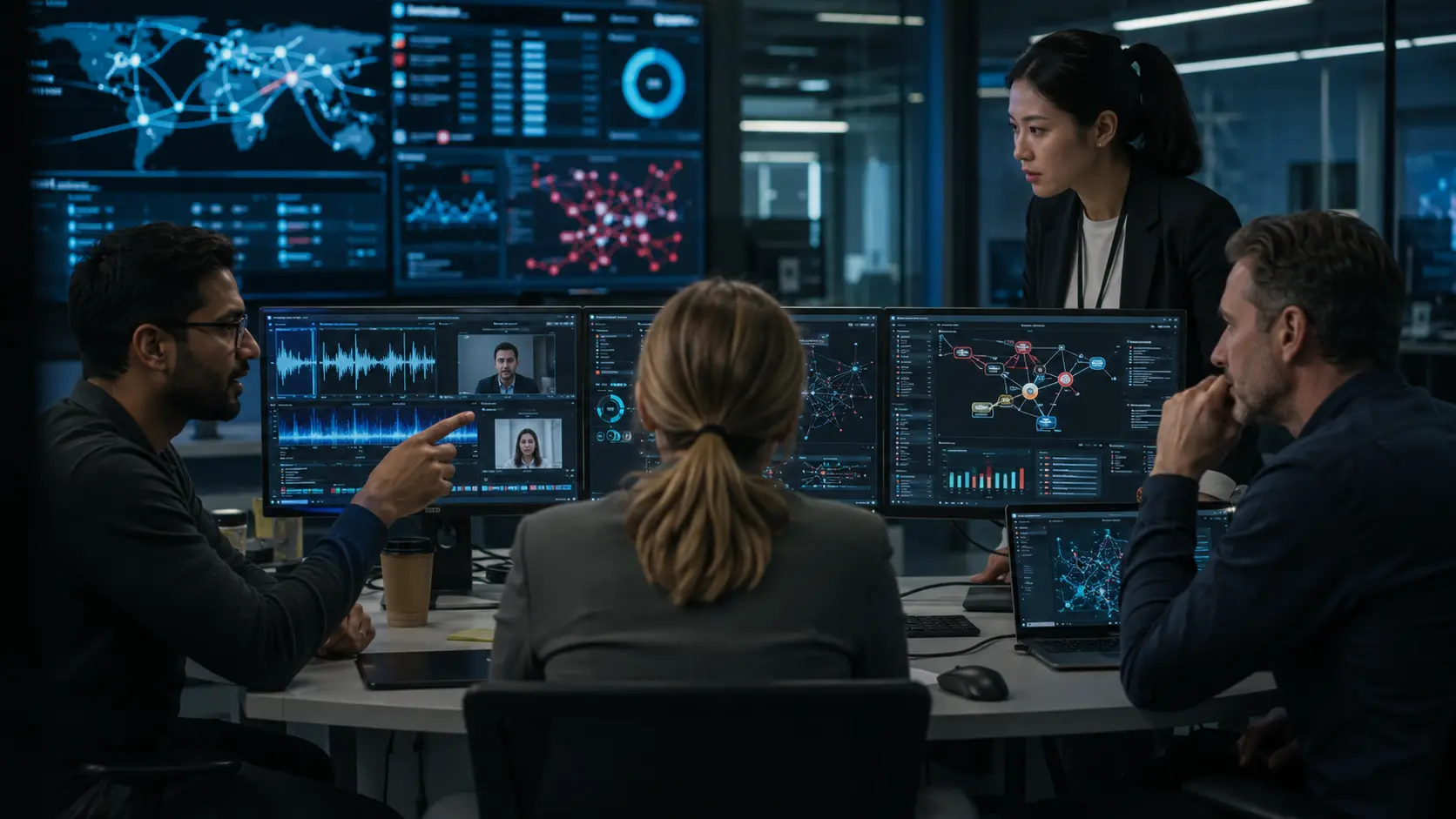
When an incident is identified, the organization should address the communication, identity systems, media, and business action together.
Recommended actions include:
- Assigning one incident ID to related evidence
- Isolating affected accounts
- Resetting exposed credentials
- Suspending pending transactions
- Preserving original call and video recordings
- Reviewing meeting and account activity
- Analysing suspicious voice content
- Analysing suspicious video content
- Identifying additional recipients
- Checking whether similar requests were made
- Notifying finance, legal, HR, or communications teams
- Documenting technical findings and limitations
- Monitoring for copied or repeated versions of the attack
| Situation | Recommended action |
|---|---|
| Suspicious voice call with no video | Verify independently and review call context |
| Cloned voice suspected | Hold the requested action and analyse the audio |
| Fake video meeting suspected | End the meeting and verify through a known channel |
| Voice and video results conflict | Keep the incident open and review the full context |
| Payment already initiated | Contact the financial institution and incident team |
| Detection result is inconclusive | Maintain the hold and escalate for human review |
| Executive account compromised | Secure the account and investigate related communications |
Organizations should also examine broader fraud prevention using deepfake detection tools to understand how synthetic media may appear in payment fraud, account manipulation, and identity-based attacks.
Which Voice-and-Video Detection Blind Spots Allow Attacks to Succeed?
Multi-channel attacks frequently succeed because organizations examine voice and video separately.
Common blind spots include:
- Call and video evidence being reviewed by different teams
- No shared incident identifier
- Recordings not being preserved in their original format
- Security teams being unaware of changed payment details
- Finance teams being unable to see identity-security alerts
- Voice and video being analysed without business context
- Timestamps or time zones not being normalized
- A natural-sounding voice being accepted as proof of identity
- A realistic video being treated as final confirmation
- Inconclusive findings being interpreted as proof of authenticity
- Urgent requests bypassing established approval procedures
- Conflicting audio and video findings not being documented
Organizations should also avoid assuming that every unusual voice or visual artifact proves manipulation.
Poor connectivity, compression, background noise, recording conditions, lighting, and legitimate editing can create anomalies. Findings must be interpreted with identity, behavioural, and transaction evidence.
Voice-and-Video Incident Correlation Checklist
Before approving or closing a sensitive incident:
- Assign one incident ID to the call, video, account activity, and requested transaction.
- Preserve the original audio and video files.
- Record the caller number and meeting details.
- Compare the claimed identity with account and device activity.
- Review whether the video followed an earlier voice interaction.
- Check whether both channels were used within a short period.
- Match the request against standard business procedures.
- Check for vendor, account, or payment-detail changes.
- Analyse the voice recording where relevant.
- Analyse the video recording where relevant.
- Compare voice, lip-sync, and video findings.
- Record conflicting or inconclusive technical results.
- Contact the requester through a known channel.
- Hold unusual transactions or access changes.
- Confirm the request with a second authorized person.
- Document the combined decision and supporting evidence.
How Does PaladinAI Approach the Problem?
PaladinAI approaches synthetic-media risk as a media-verification problem within a wider organizational security workflow.
DeepGaze is designed to support the examination of suspicious video and audio content. Its role is to help analysts identify and review relevant manipulation indicators while maintaining the need for human interpretation, contextual verification, and established security controls.
The platform should not be positioned as a replacement for identity security, transaction authorization, trusted-channel verification, or human decision-making.
Instead, it can support security, fraud, investigation, and forensic teams when suspicious voice and video content forms part of a wider impersonation or social-engineering incident.
Organizations reviewing executive-focused threats can also explore PaladinAI’s approach to deepfake impersonation attacks for more specific operational and media-verification considerations.
Conclusion
Multi-channel AI phishing becomes more dangerous when cloned voices, manipulated video, and business context are used together.
The voice interaction creates familiarity. The video meeting strengthens the false identity. Urgency pressures the recipient to act. A payment, credential change, or data transfer then completes the attack.
Organizations should not depend on one technology or one team to identify the entire incident.
Effective defence requires voice analysis, video-authenticity review, account monitoring, trusted-channel verification, transaction controls, and cross-modal evidence correlation.
A familiar voice or realistic video should never override established approval procedures. When communication, identity, media, and business signals are connected within one investigation, security teams are better positioned to detect coordinated AI phishing before it results in financial, operational, or reputational harm.
Frequently Asked Questions
Frequently Asked Questions
Ready to experience & accerlate your Investigations?
Experience the speed, simplicity, and power of our AI-powered Investiagtion platform.
Tell us a bit about your environment & requirements, and we’ll set up a demo to showcase our technology.